Track calories.
Fuel your best.
Caltrac.ai makes calorie tracking effortless with AI-powered food logging, nutrition insights, and smart goals.
- AI Food Recognition
- Nutrition Insights
- Smart Goals
- Stay on Track, Every Day
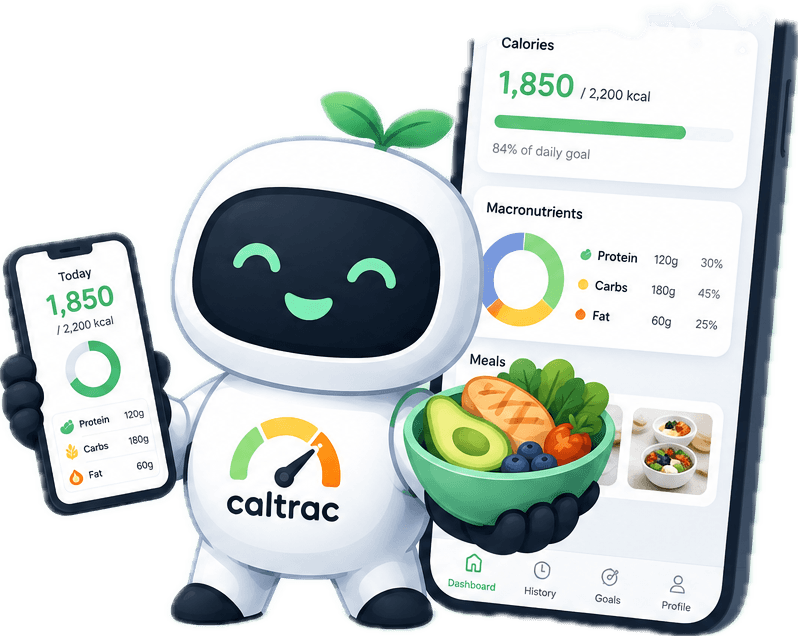
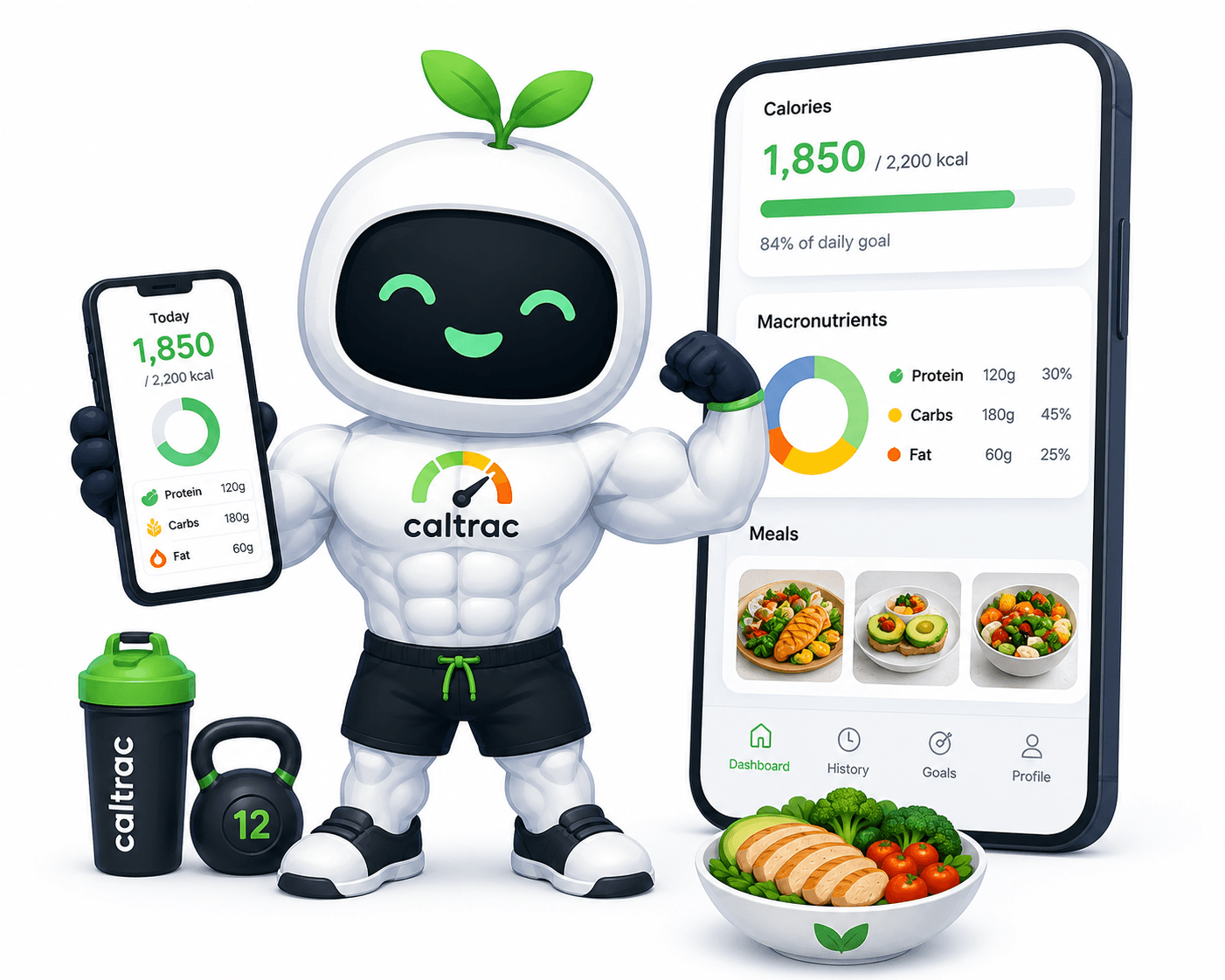
Everything you need to eat smarter
Powerful, effortless tools that turn a single photo into accurate nutrition insights.
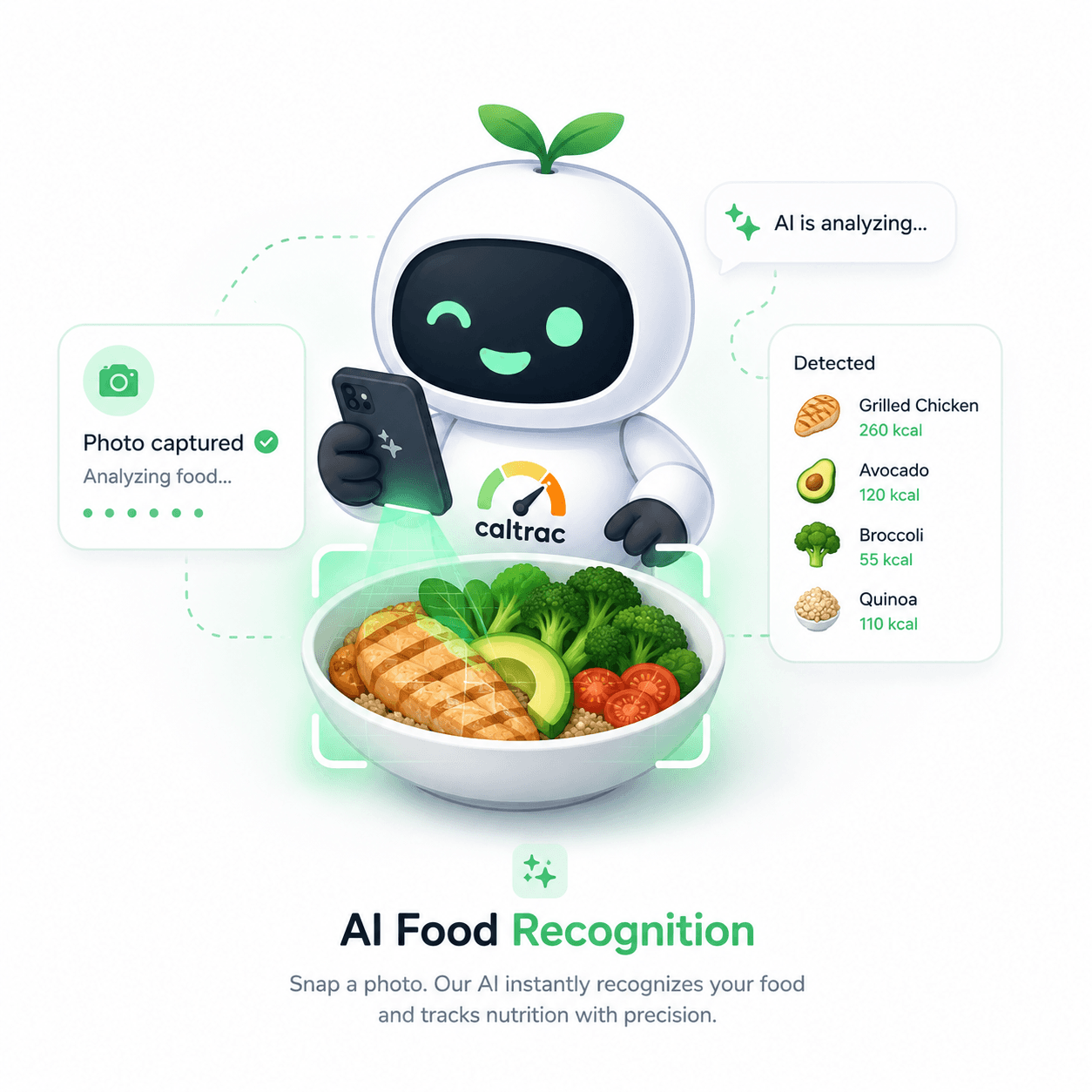
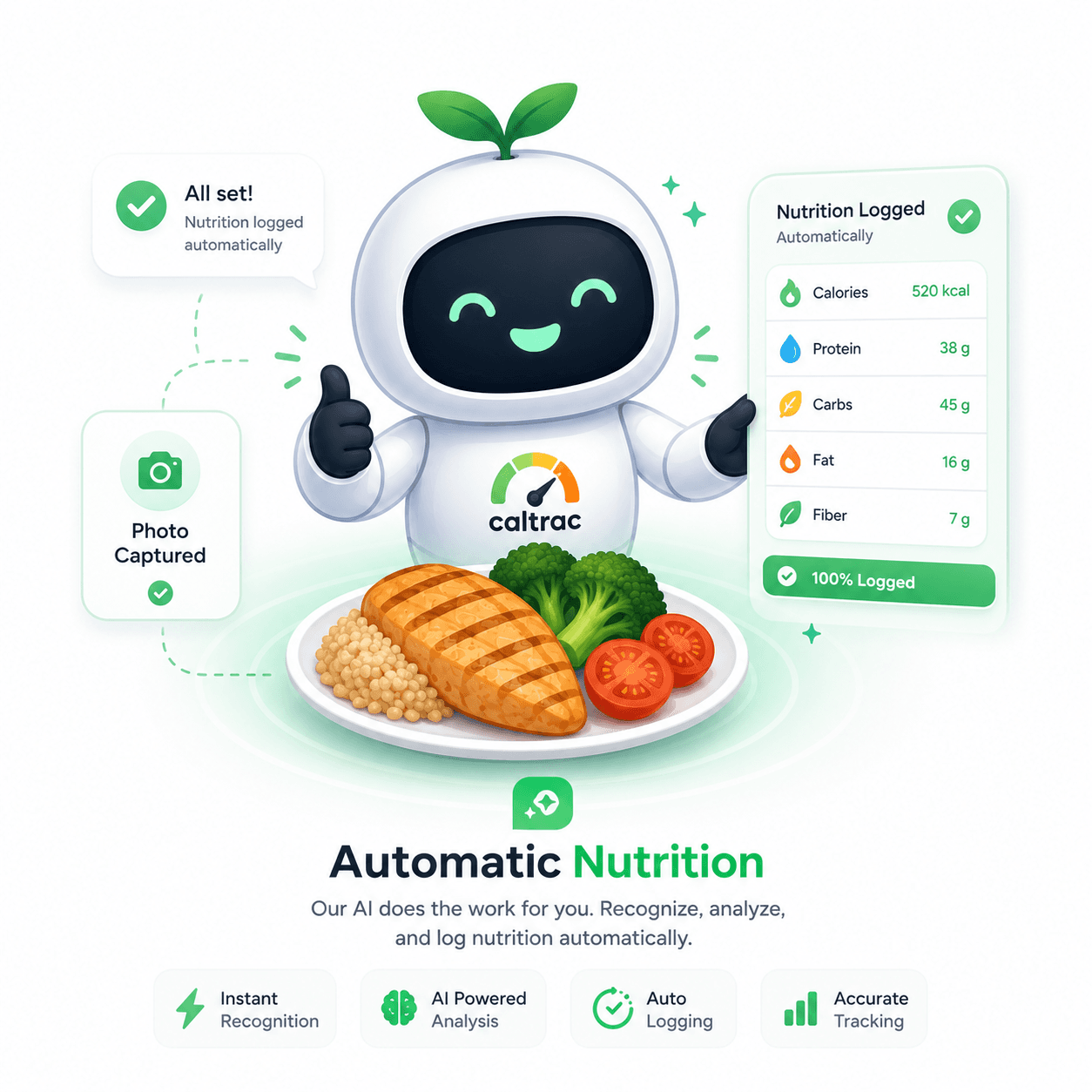

From photo to nutrition in seconds
- 1
Take a photo
Snap a picture of your meal — no manual entry, no searching databases.
- 2
AI analyzes your meal
AI identifies each food and estimates the quantity in seconds.
- 3
Nutrition saved
Calories and macros are calculated from USDA data and saved automatically.
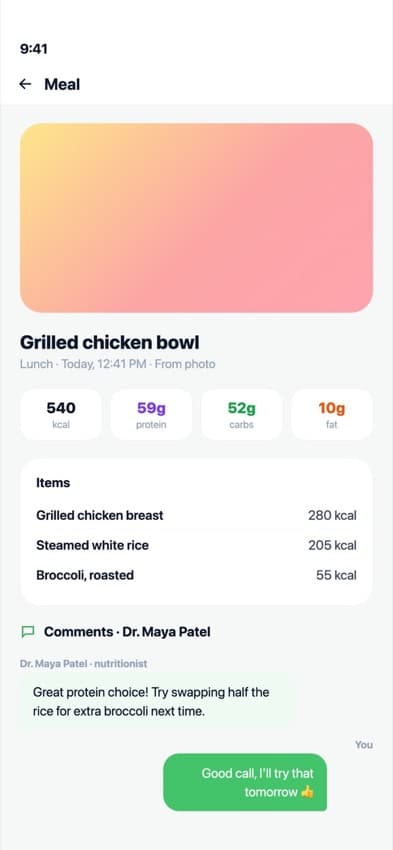
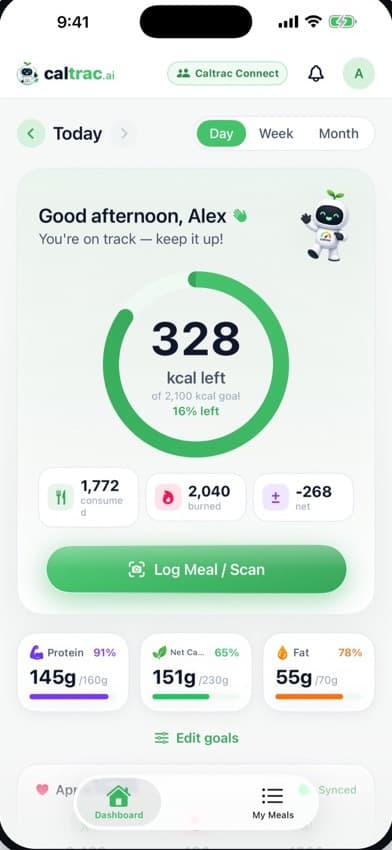
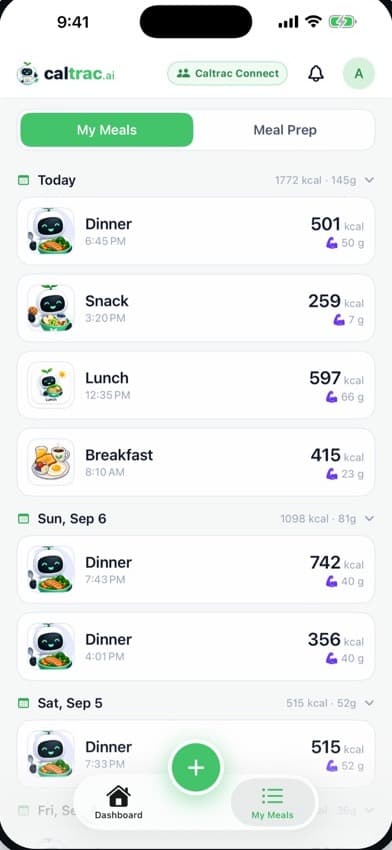
A look inside Caltrac
Clean, focused screens designed to keep tracking effortless.

Free tools to plan what you eat
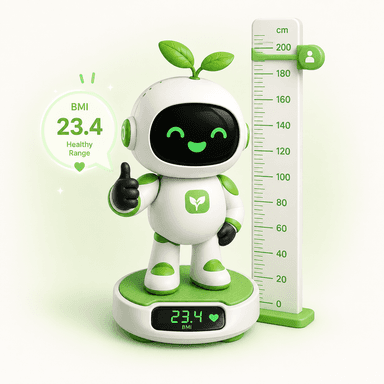
Work out your numbers with our calculators, then read up on the food behind them.
Calculators
All calculators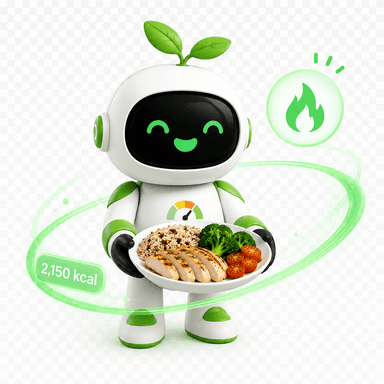

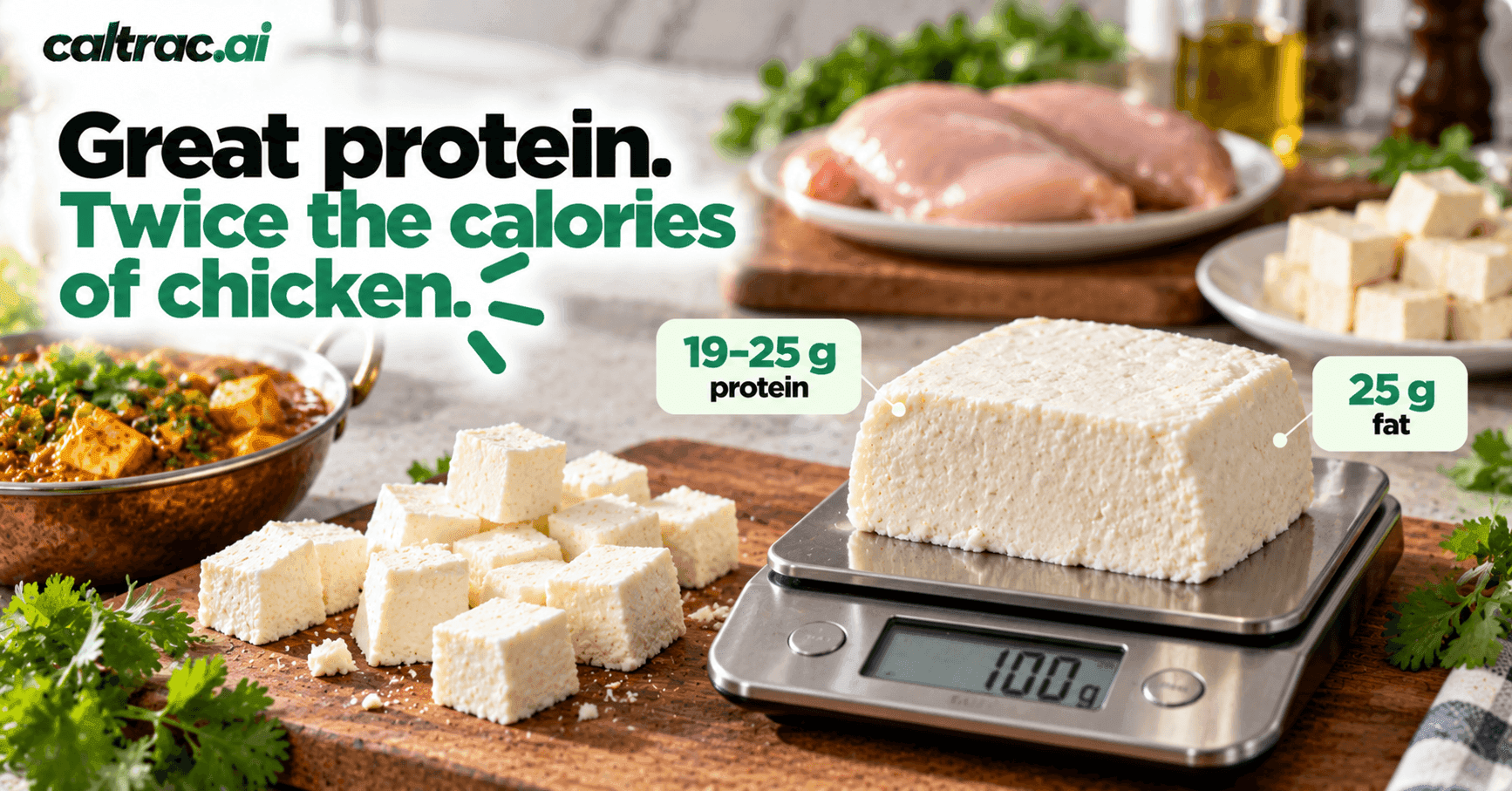
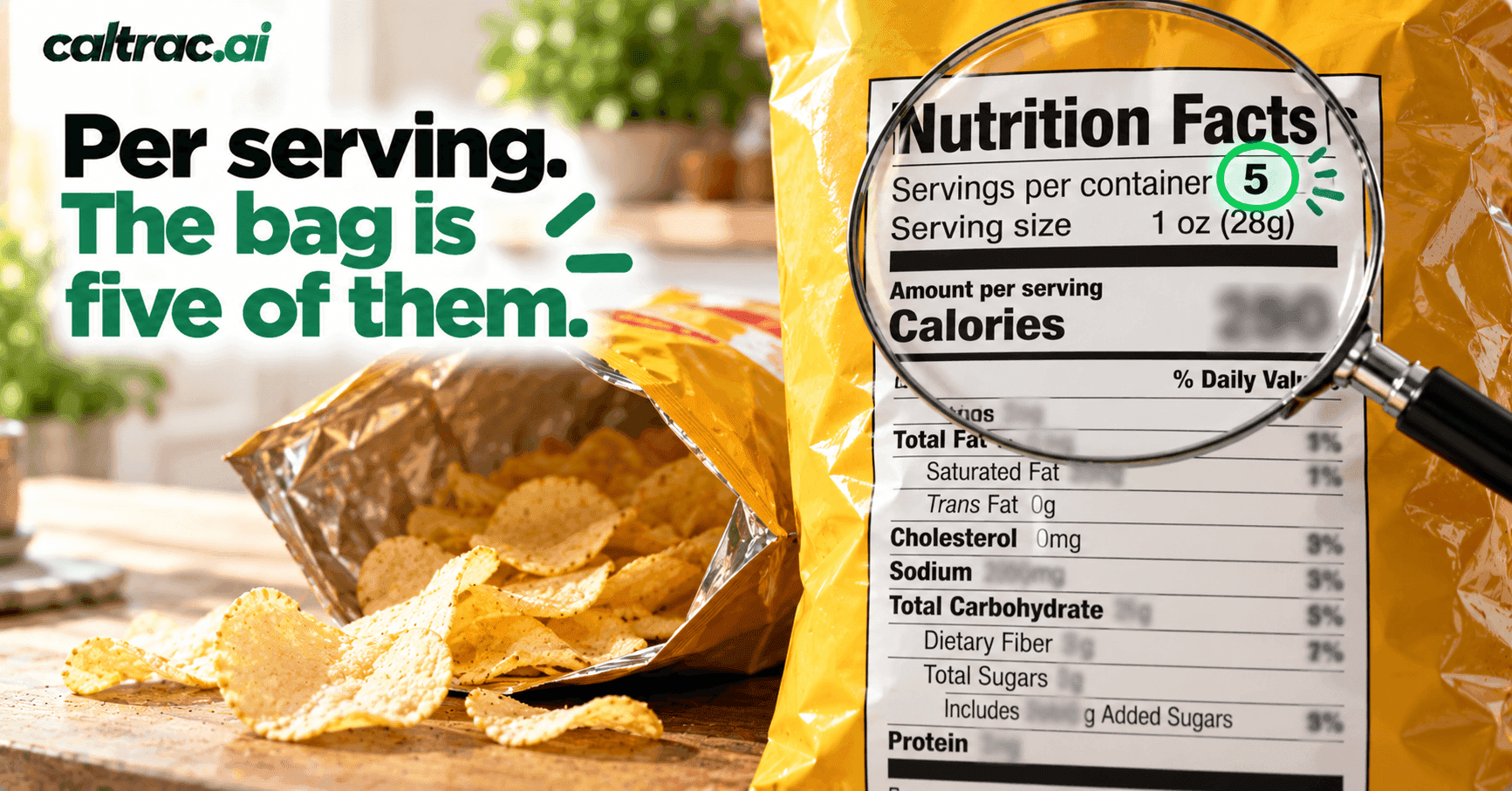
Latest nutrition guides
All guides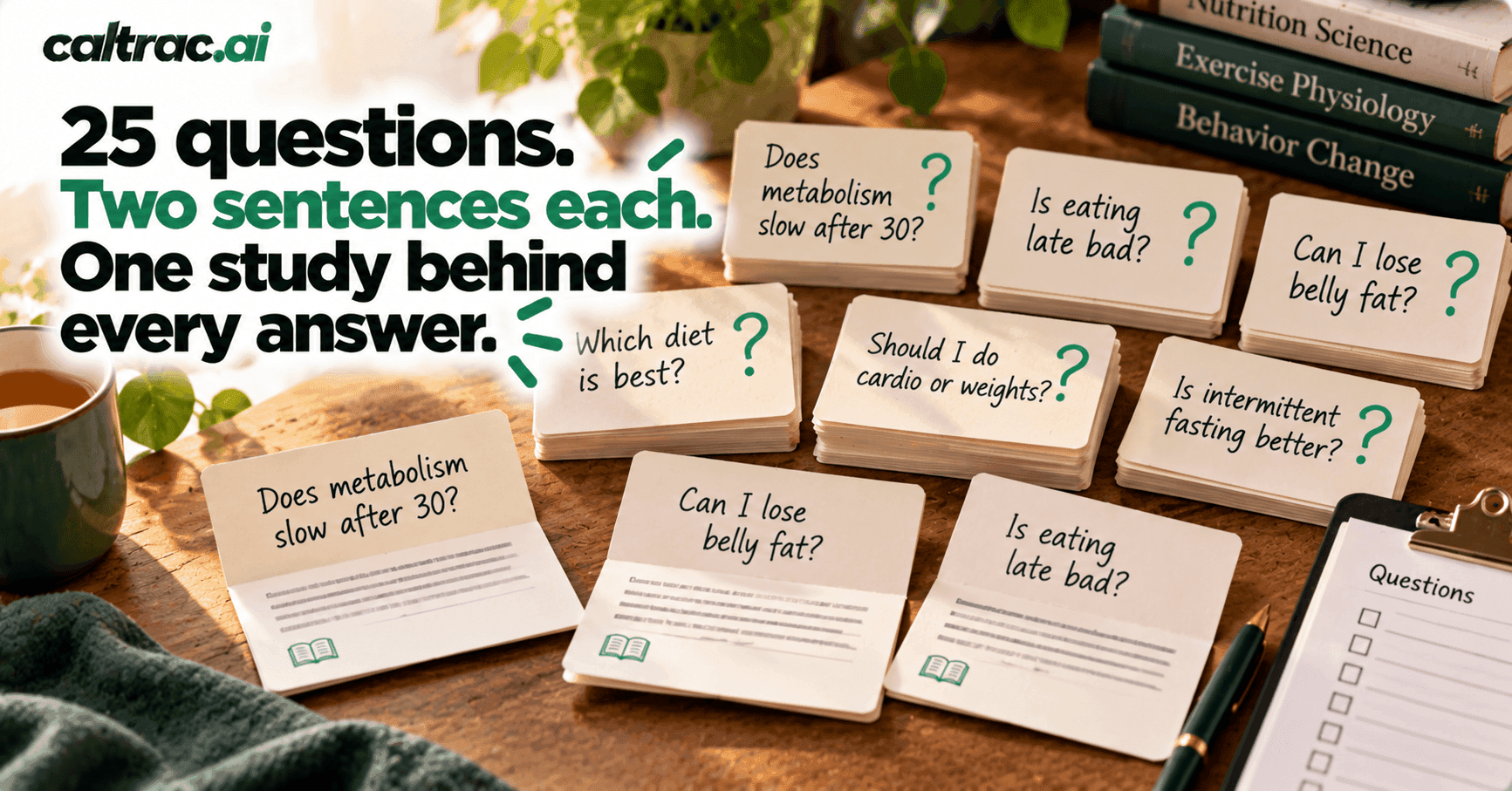
Frequently asked questions
Everything you need to know about tracking your nutrition with Caltrac.
How does Caltrac track calories from a photo?
Take a photo of your meal and Caltrac's AI identifies each food, estimates the portion size, and calculates calories and macros using USDA FoodData Central. You can review and adjust any item before it's logged.
Is Caltrac free?
Yes — Caltrac is completely free. Every feature, including AI photo analysis, unlimited meal logging, and the full nutrition dashboard, is available at no cost with no credit card required.
How accurate is the AI food recognition?
Caltrac identifies foods and estimates portions from your photo, then grounds the numbers in USDA nutrition data. AI estimates are approximations, so you can edit the food, quantity, or grams at any time to fine-tune the results.
What can I track with Caltrac?
Calories, protein, carbohydrates, fat, fiber, and net carbs, plus your daily, weekly, and monthly progress — with streaks and goals to help you stay consistent.
Is Caltrac available on iPhone and Android?
Yes. Caltrac is free on the App Store for iPhone, with Apple Health sync, and free on Google Play for Android.
Is my data private?
Privacy is built in. We don't sell your data, and health metrics synced from Apple Health are processed on your device and are never permanently stored on our servers. See our Privacy Policy for the full details.
Get Caltrac on your phone
Free on iPhone and Android. Snap a photo of your meal and let AI work out the calories and macros.